Laptop Cleaning in Kyiv
At UASVIT, we provide professional laptop cleaning in Kyiv with full device disassembly, cooling system cleaning, and thermal interface replacement. This is relevant for both office laptops and powerful gaming models, where even minor contamination quickly affects temperatures, fan noise, and overall system stability.
We service laptops from different brands and take into account the design features of each model: internal layout density, cooling type, and the condition of thermal paste, thermal pads, or liquid metal. Proper laptop cleaning is not just about removing dust, but about fully restoring effective heat dissipation.
For office laptops
Preventive maintenance helps reduce heat, noise, and extend the lifespan of the cooling system and battery.
For gaming models
It is especially important to control temperatures in ASUS, Acer, Lenovo Legion, HP Omen, MSI, and other performance-oriented series.
For laptops after long-term use
If the device has not been serviced for a long time, dust and thermal interface degradation may already be seriously affecting performance.
When Laptop Cleaning Is Needed
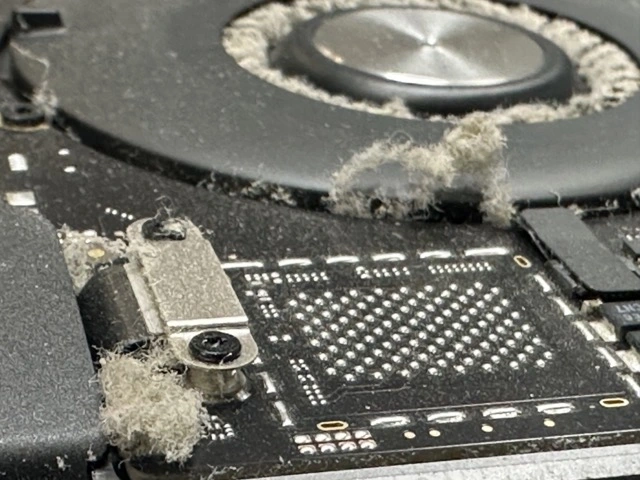
If your laptop has started overheating, making more noise, slowing down, or shutting off under load, this is one of the main signs that the cooling system needs cleaning. In many cases, the issue grows gradually: first the fans become louder, then throttling appears, and later performance drops even in normal tasks.
The longer preventive maintenance is delayed, the higher the risk of overheating the CPU, GPU, motherboard power components, and causing premature fan wear.
The laptop has become louder than before
This often means the fans are running at higher speeds because of dust in the heatsinks or dried thermal interface material.
The chassis gets very hot
If the keyboard area, bottom cover, or air exhaust zone has become too hot, the cooling system should be checked.
Performance and FPS are dropping
In gaming, video editing, 3D, or even under general load, the laptop may reduce clock speeds because of overheating.
The laptop has not been serviced for a long time
For most models, regular preventive maintenance is recommended, especially if the laptop is used actively every day.
Laptop Cleaning with Thermal Paste Replacement
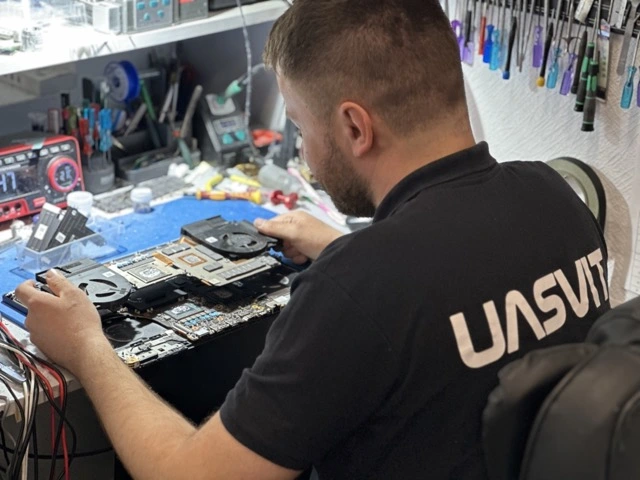
In many cases, dust cleaning alone is not enough. If the thermal paste has dried out, lost thermal conductivity, or no longer provides proper contact between the chip and the cooling system, it needs to be replaced.
At UASVIT, we select the right thermal interface solution for the specific laptop, its heat output, and the type of load. This helps genuinely improve thermal performance and system stability.
For the processor
Fresh thermal paste helps transfer heat more consistently and reduces peak temperatures under load.
For the graphics chip
This is especially important for laptops with discrete graphics, where overheating directly affects FPS and stability.
For overheating prevention
Proper thermal paste replacement helps avoid throttling, excessive noise, and overheating in the future.
Laptop Cleaning with Liquid Metal
For certain models, especially powerful gaming laptops, liquid metal can be the right solution. This is a highly efficient thermal interface that provides better heat transfer than standard thermal paste, but it requires very careful application and proper insulation around the chip area.
We use top-tier liquid metal only when it is technically justified and truly makes sense in terms of thermal results. This approach is especially relevant for hot-running gaming laptops, where every degree matters.
When liquid metal is appropriate
For high-performance laptops with heavy thermal load, where maximum cooling efficiency is required.
Why this is a complex procedure
Liquid metal requires experience, precision, and correct handling, so this kind of service should not be trusted to random technicians.
What result it gives
Lower temperatures, improved stability under load, and more comfortable cooling system behavior.
Laptop Cooling System Cleaning
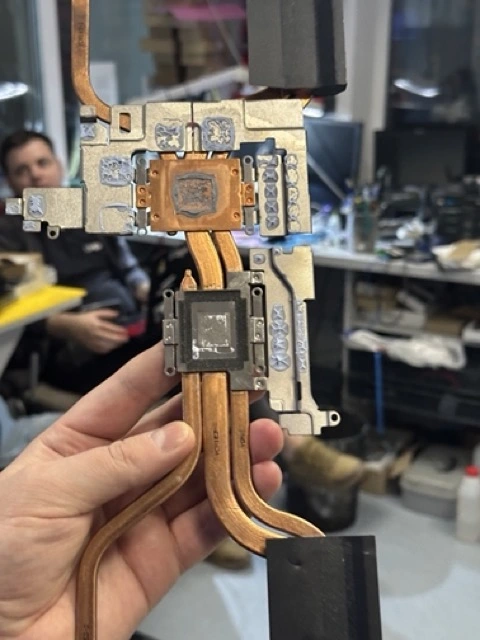
Full cooling system service includes cleaning the fans, heatsinks, air channels, and replacing thermal paste, thermal pads, or other thermal interface materials. This complete approach is what restores a normal temperature range.
We do not limit ourselves to surface-level cleaning. If the laptop requires deep disassembly, we also check the heatsink pressure, thermal pad condition, and the overall cooling assembly efficiency.
Heatsink cleaning
A heatsink clogged with dust is often the main reason for poor heat dissipation.
Fan cleaning
Dust on fan blades and worn fan assemblies reduce cooling performance and increase noise.
Thermal interface replacement
Without this, servicing is often incomplete, especially if the laptop has not been opened for a long time.
Overheating and FPS Drops in a Laptop
When a laptop overheats, the system automatically lowers CPU and GPU clock speeds to protect the components from critical temperatures. That is why users notice FPS drops, micro-stutters, freezes, and unstable behavior under load.
This is especially typical for gaming laptops, mobile workstations, and systems used for video editing, 3D, and graphics workloads. Proper laptop cleaning together with thermal interface replacement often improves the situation significantly.
CPU throttling
Because of overheating, the CPU lowers its clocks, and the laptop loses speed even in everyday tasks.
FPS drops in games
The GPU and CPU cannot maintain stable load when cooling is ineffective.
Instability under load
The laptop may slow down, freeze, or even shut off during demanding tasks.
Gaming Laptop Cleaning
Gaming laptops operate under a much heavier thermal load, so preventive maintenance is especially important for them. A powerful processor, dedicated graphics card, and high sustained load make any cooling issue show up much faster.
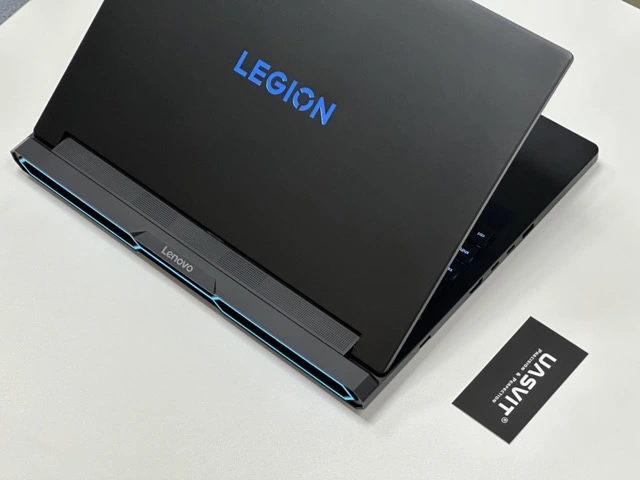
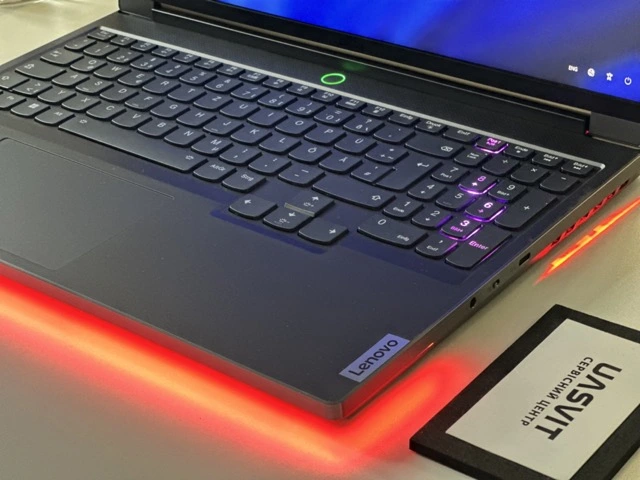
We regularly service ASUS ROG, ASUS TUF, Acer Nitro, Lenovo Legion, HP Omen, HP Victus, MSI, and other gaming models, where not only cleaning and thermal paste matter, but also the correct choice of thermal materials for each design.
High heat output
In these laptops, the cooling system constantly works near its limit, so dust and worn thermal materials are especially critical.
The need for quality materials
Gaming models require genuinely good thermal interface materials, not cheap low-performance solutions.
Gaming stability
Proper service helps maintain quieter operation, stable clocks, and more comfortable FPS.